
Adventures In Unschooling · Parenting · Primary

Library Books From Home: Libby!

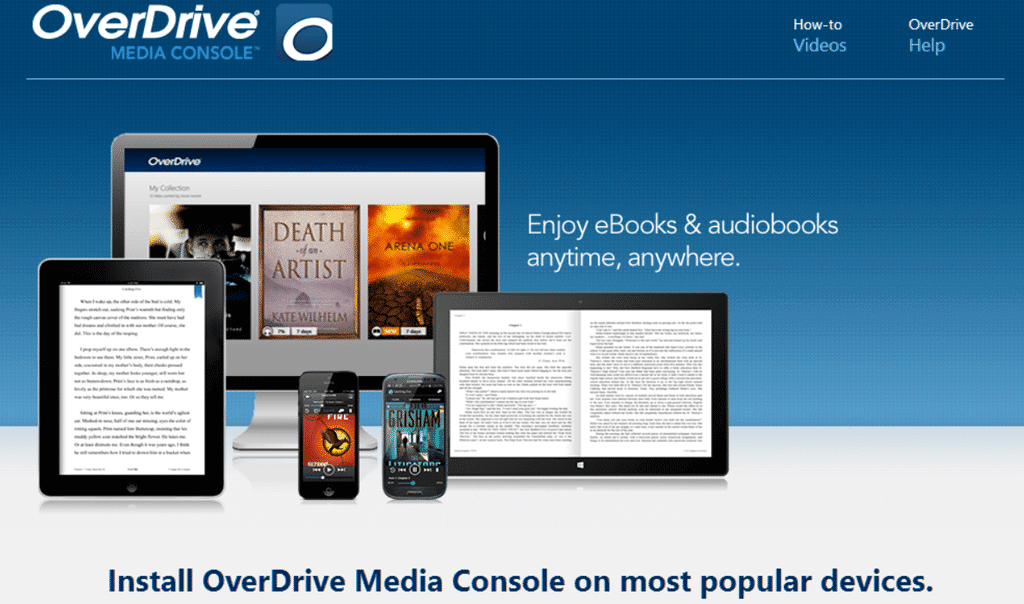
Image taken from resources.overdrive.com.

Libby is a companion app for the previously reviewed Overdrive library app, the both of which are put out by Overdrive Inc, a subsidiary of Japanese e-commerce giant Rakuten. Overdrive Inc also developed a book and audio book app specifically for schools called Sora that I will also be reviewing here soon! The three apps are used to connect library accounts and read or listen to books and magazines, watch videos and checkout resources from libraries where you hold an account, completely on the go! The best part? No late fees! Materials are removed automatically from your account and you even have the option to renew materials from the app as well! I’m pretty interested in checking out Sora tomorrow!

For today, however, we go to Libby.

It’s cute. That seems to be the prevailing commentary about it. I’ve had a local librarian comment when asked about it that Libby was user friendly and it’s interface is more simple. That it was cute, and to their credit, it is cute. Regrettably, that’s about the extent of It’s noteworthiness. My experience was quite the opposite of user-friendly. I found it to be very buggy whether on my Chromebook or on mobile. I can’t speak to how the iOS version is, but the Android version that I used was glitchy and frustrating. Granted, this is what I have to say about it as far as the end of 2019. I am certainly open to re-reviewing it in the future should these issues be addressed.

This list of issues and my thoughts on the app I do plan to send to the development team and I have refrained from leaving a starred review in hopes that these bugs will be fixed and I can review it again in the future. I had high hopes for Libby because I love and use the Overdrive app so much.

There isn’t a single day that goes by that I’m not using it for personal reading/listening or using it for our homeschool. I love that I can link my library accounts for two different local libraries as well as the account we have with the San Bernardino public library in California. We can check out books from all three libraries on a single app and it’s wonderful! I only wish I could say the same for the Libby app.

Granted, the bugs one person faces may not necessarily be an issue for another. Some apps can face similar issues if internet connection is sketchy or if the app is behind on an update, etc. I will be going into my review of the Sora app with an open and optimistic mind and that’s exactly what I hope you will do with Libby! If you face a  similar experience as I did then leave feedback! The developers for an app can only fix issues that their users know about after all!

With Peace and Passion.

Ta!

Adventures In Unschooling · Bliggety Blogs · Primary

Library Books From Home: Overdrive and Why It’s So Nifty!

Have you ever wanted to check out a book from the library or a movie to get your offspring distracted so you can finally finish those three day old dishes? Is it that time of year when it’s colder than a mother-in-law’s disappointed stare? Or hotter outside than Jason Mamoa? Or is it just one of those days when you don’t want to get out of your PJs but have to know what happens with that serial killer in the next book in the series? 

Well wait no more! 

Your local libraries have all paired with two apps called Overdrive and Libby. Today, we’re going to focus on Overdrive and then on the Libby app in the next seemed. 

So, first of all, what is Overdrive? It sounds like some sort of Cloud or word processor, huh? Better! It is an online compilation of all of the digital library books available from participating libraries and so far I’ve yet to find a library not taking part. It boasts not just books either but videos, magazines, shows, audiobooks, and even read-along books for young kids just making the foray into becoming new readers! These are especially cool because many of them highlight each word as it is read so the kids learn to associate the word on paper (or screen) with the word they hear! 

You can connect more than one library to your Overdrive app as well so you can check out books from all of them right from the same place! Book checkouts are immediate and are downloaded to your Bookshelf so you can even read or listen offline, with the exception of read-aloud books that are typically played in browser. And when your book is due, there’s no worry about overdue fees because your books are automatically returned for you. No muss no fuss! 

I seriously cannot recommend Overdrive enough. We use it everyday at our home and have for quite some time now. I love using it for our homeschool! Each week, I can look up the books on our reading list or even different ones more geared for Little Maxwell’s young age without even having to leave my couch. A single day doesn’t go by that I’m not binging through audiobooks like ‘Will My Cat Eat My Eyeballs?‘ by Caitlin Doughty (see my book review for it!) or ‘The Dutch Way of Parenting’ by Jessica Joelle Alexander while I do dishes, laundry, or play a video game. Both books I highly recommend, by the way.

But how do you get Overdrive?

Well, my curious reader, it is available wherever apps are, of course! Your Google Play, Apple store and Amazon, of course but also on Android OS 4.0 and the Chrome webstore. It is also available for download on your Mac device, Windows 8 and 10 (by the way what happened to the 9, huh?), and for Windows desktop!  That is a lot of options! That’s one of the things I love about it the most, in fact. I have Overdrive now on multiple devices and cannot overstate its general nifty-ness. 

Let us know in the comments if you have Overdrive, your thoughts, or if you’re planning on giving it a try!

With Peace and Passion.

Ta! ❤